One UI 8.5 Beta Features: Top 5 Upgrades You Must Try Now
Samsung has officially opened enrollment for its latest software testing release, allowing Galaxy users early access to an impressive suite of software refinements. The newly unveiled One UI 8.5 beta features focus heavily on system fluidity, hyper-personalized artificial intelligence routines, and revamped privacy controls. Built on top of Google’s modern Android framework, this mid-cycle interface…
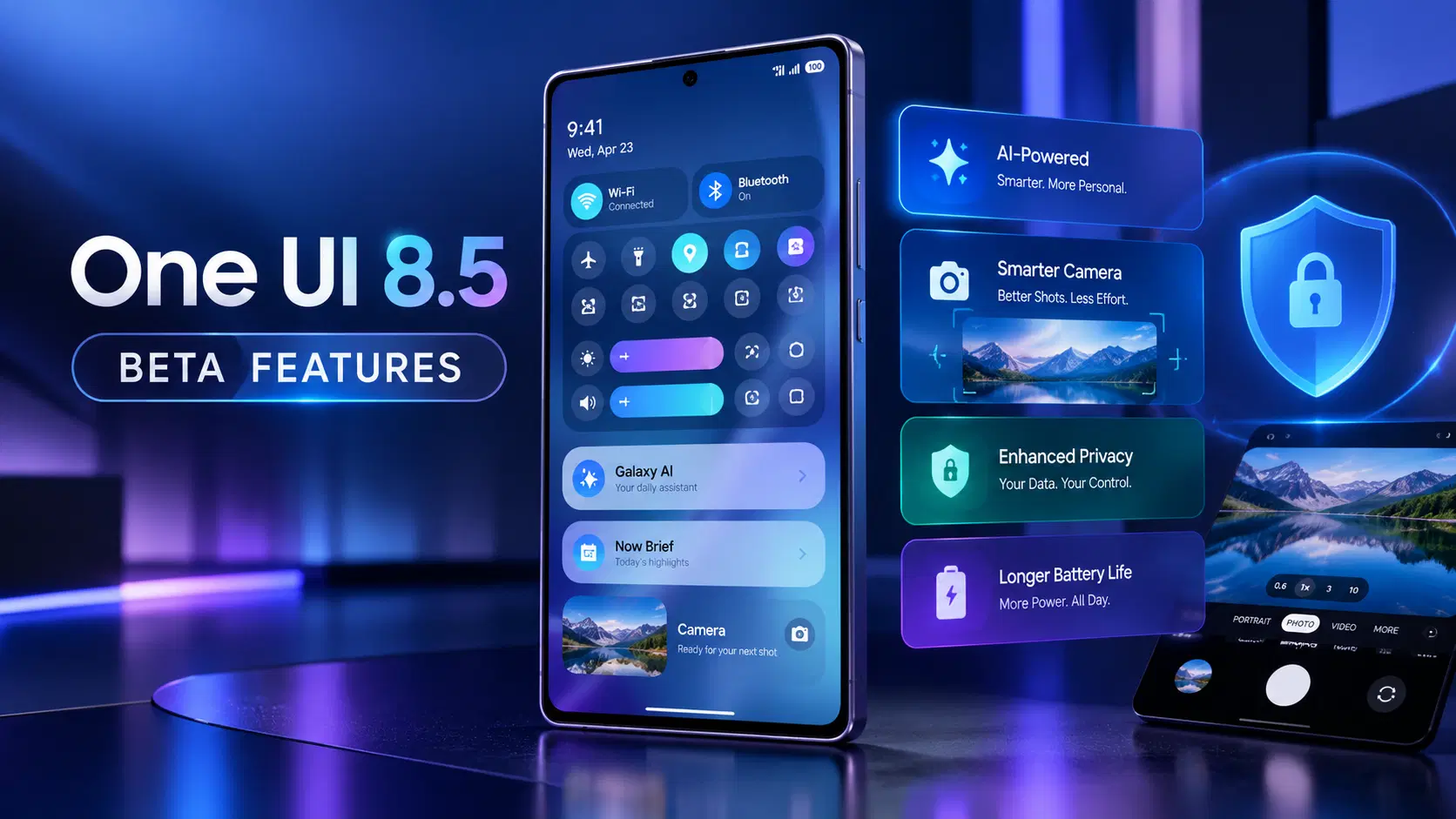
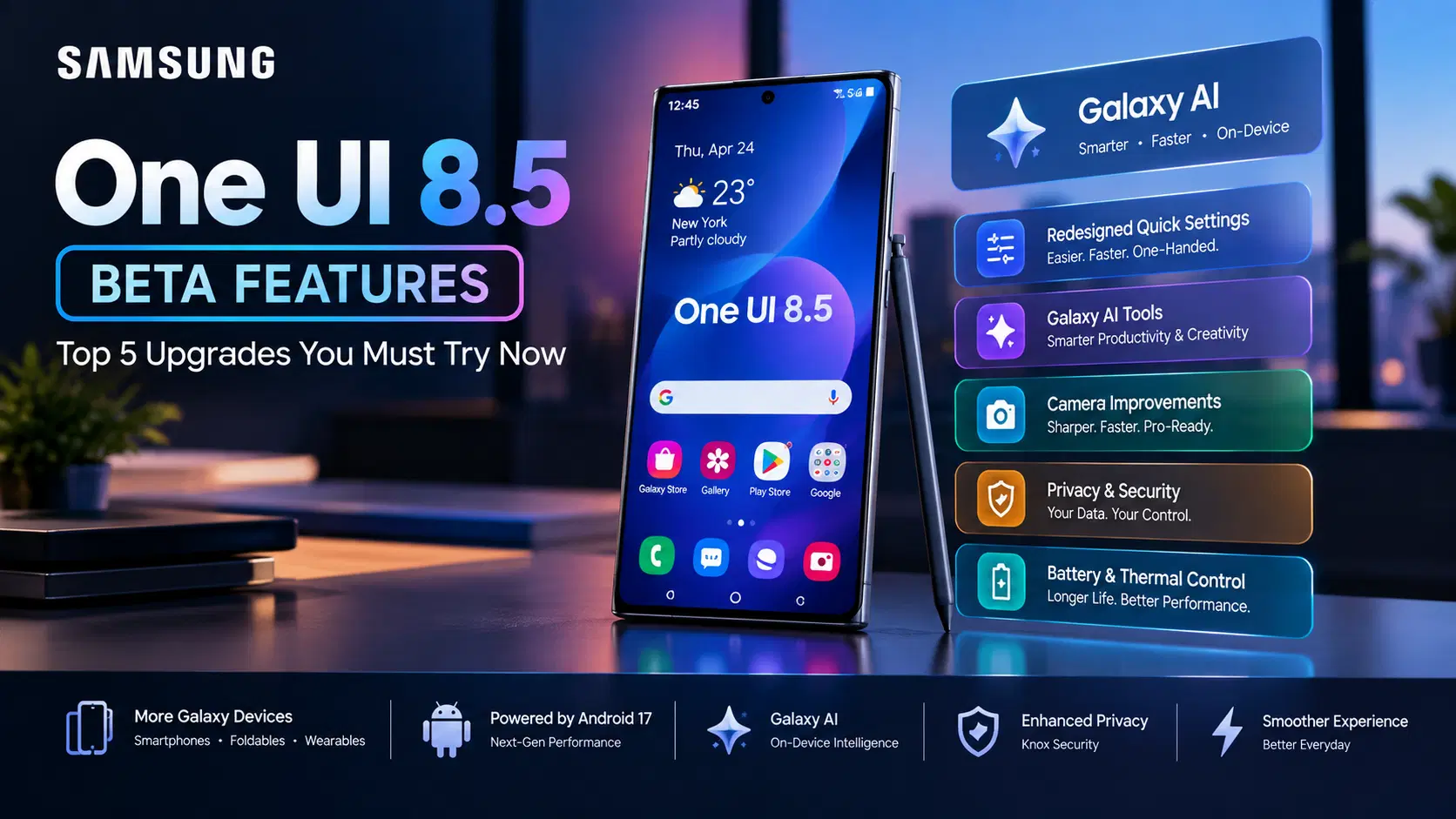
Samsung has officially opened enrollment for its latest software testing release, allowing Galaxy users early access to an impressive suite of software refinements. The newly unveiled One UI 8.5 beta features focus heavily on system fluidity, hyper-personalized artificial intelligence routines, and revamped privacy controls.
Built on top of Google’s modern Android framework, this mid-cycle interface update bridges the gap between major OS iterations. Whether you are looking to boost daily productivity or customize your lock screen geometry, here are the top 5 game-changing features currently available in the test build.
1. Redesigned Quick Settings and One-Handed Ergonomics
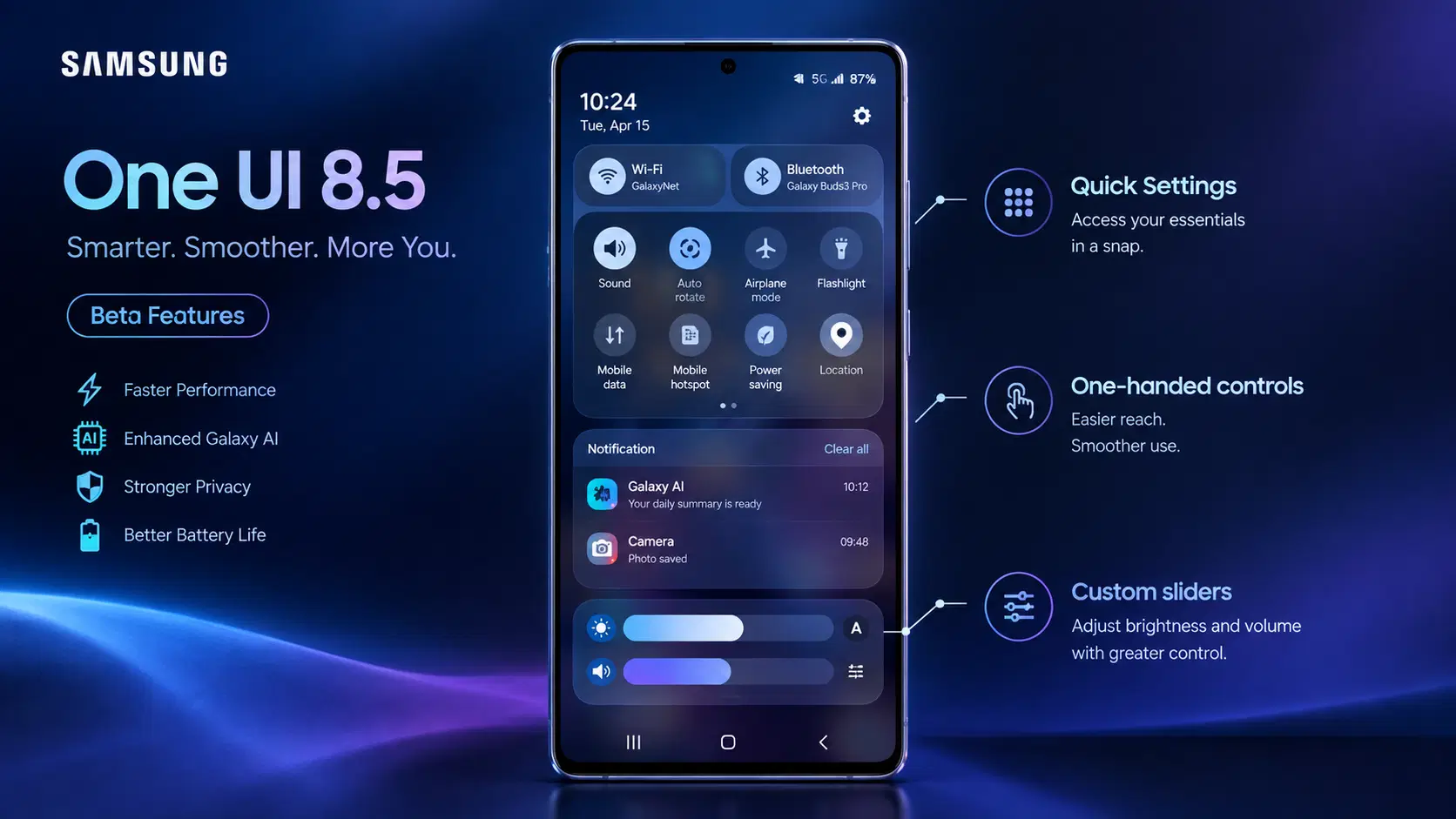
Navigating your phone with one hand just got significantly easier. Samsung has overhauled the Quick Settings panel, introducing distinct visual blocks and adjustable slider dimensions.
- Separated Notification and Control Cards: Swipe down from the right corner for instant control toggles, or swipe down from the left for grouped app notifications.
- Customizable Slider Blocks: Resize volume and display brightness controls directly within the grid layout.
- Refined Dark Mode Aesthetics: Enhanced background blur effects that adapt dynamically to ambient wallpaper colors.
2. Next-Gen Galaxy AI Productivity Tools
Samsung continues to expand its local machine learning algorithms. Inside the current test firmware, on-device AI handles complex tasks without sending personal telemetry data to cloud servers.
Key Galaxy AI Capabilities Comparison
| AI Feature Module | Primary Function | Performance Hardware Target |
|---|---|---|
| Generative Audio Summary | Converts voice notes into categorized bullet points | Local NPU (Zero Internet Required) |
| Contextual Lock Screen Cards | Displays relevant travel and routine reminders | On-Device Neural Processing |
| Advanced Magic Eraser | Cleans background shadows in high-res photos | Hardware ISP + NPU |
To review official software development standards, visit Google’s Android developer system framework.
3. Real-Time Camera ISP Enhancements
For photography enthusiasts, the One UI 8.5 beta features introduce major improvements to the native camera app. The software update focuses on reducing shutter latency and improving dynamic range during 4K video recording.
- Zero Shutter Lag Capture: Fine-tuned buffer algorithms allow continuous burst shots without preview lag.
- Enhanced Pro Video Controls: Independent audio gain sliders and instant histogram overlays for multi-mic setups.
Check out the official Samsung Newsroom coverage portal for official regional release announcements.
4. Hardware-Level Privacy and Security Controls
Security remains a primary focus throughout this testing phase. Samsung isolates sensitive user data directly within hardware-encrypted partitions.
- Real-Time Sensor Badges: Clear visual indicators notify you whenever an app accesses your camera or background location.
- Knox Vault Protection: Biometric hashes and system passkeys remain locked away from secondary applications.
For more details on cross-platform data security protocols, inspect the official Connectivity Standards Alliance security protocols.
If you are following upcoming mobile releases, check out our guide on latest flagship mobile technology trends.
5. Battery Health Management and Thermal Controls
To prolong battery lifespan, Samsung introduced three distinct charging profiles:
- Basic Protection: Holds charge at 100% until disconnected.
- Adaptive Charging: Pauses charging at 80% overnight and finishes right before you wake up based on sleep tracking.
- Maximum Limit: Caps total battery charge at strictly 85% to preserve lithium-ion battery health over multi-year usage.
Conclusion
Testing the One UI 8.5 beta features reveals how Samsung plans to refine user interaction across its smartphone ecosystem. With smoother system animations, intelligent Galaxy AI additions, and useful battery protection settings, this release offers a glimpse into the future of Galaxy software performance.